
Just one more step!
It's time to download the app:
Essential Reminder
The following steps are critical for proper functionality. Please read each instruction carefully, and follow them exactly.
Step 1
Click the button below to download the Arvin app.
(You need download app to use all the features)
(You need download app to use all the features)
Step 2
Open the app, then tap "Log in with Email" (not Apple or Google). Use this exact email address to sign in:
Your email
💡Important: This email is tied to your Pro plan. Please save it for all future logins.
Step 3
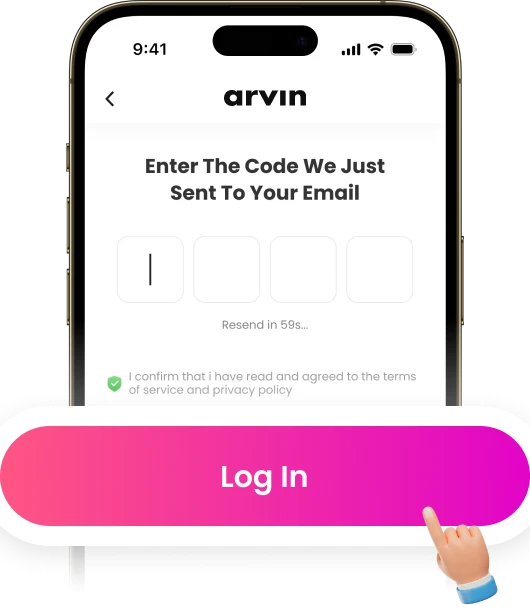
Enter the verification code from your email to complete sign-in. Once you're signed in, you can use all Pro features in the app.